Anthropic Brand Guidelines Skill
Apply Anthropic's official colors and typography to any artifact. Poppins for headings, Lora for body, three accent colors that won't fight each other.
By Anthropic
Source: github.com
Install
npx degit anthropics/skills/skills/brand-guidelines ~/.claude/skills/brand-guidelines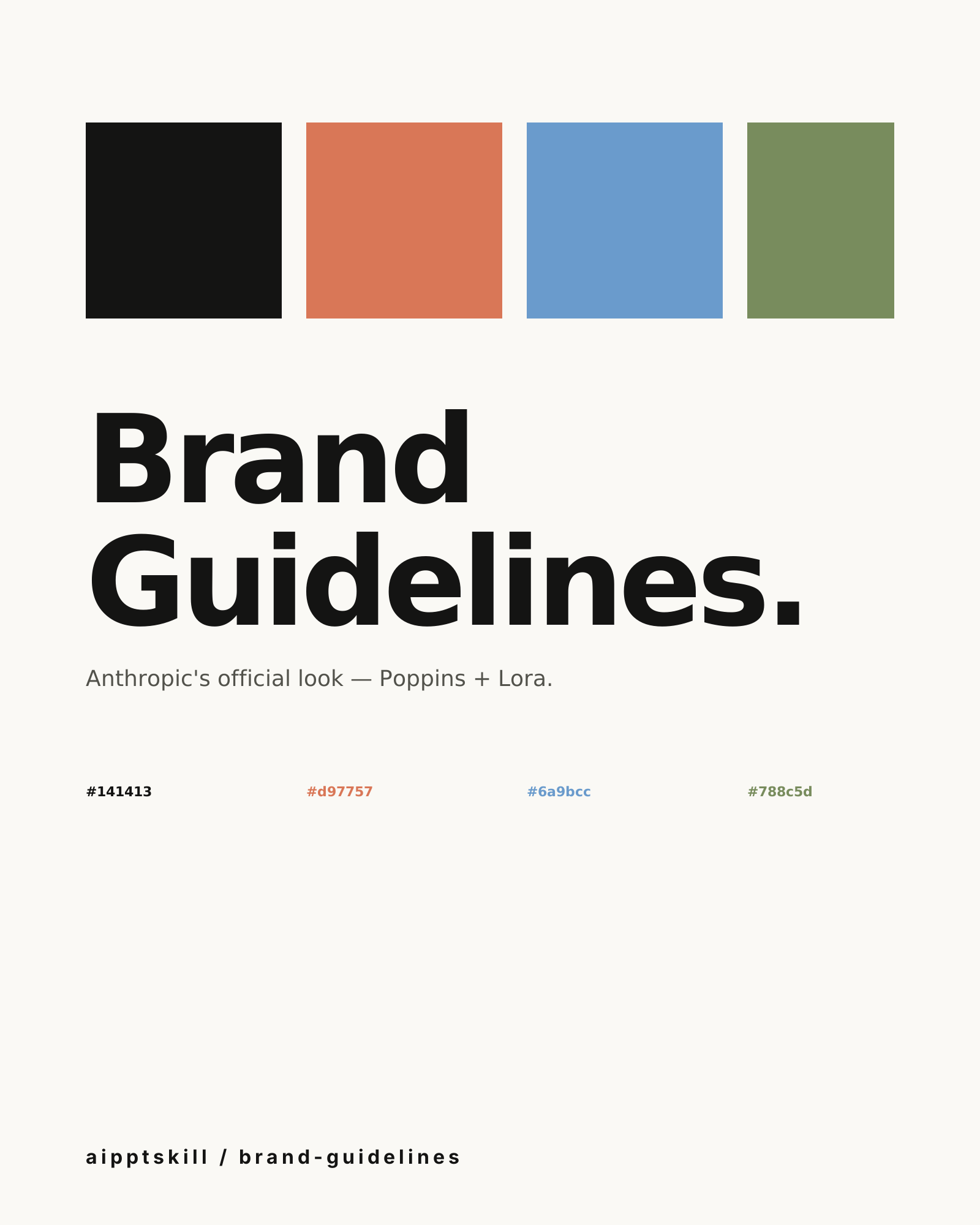
brand-guidelines is the post-processor that takes any artifact and gives
it Anthropic’s house identity. Useful when you’re building something for
or with Anthropic and want it to feel native.
The palette
| Role | Color | Hex |
|---|---|---|
| Dark | Primary text & dark bg | #141413 |
| Light | Light bg & inverse text | #faf9f5 |
| Mid Gray | Secondary | #b0aea5 |
| Light Gray | Subtle bg | #e8e6dc |
| Orange (accent) | Primary accent | #d97757 |
| Blue (accent) | Secondary accent | #6a9bcc |
| Green (accent) | Tertiary accent | #788c5d |
The type system
- Headings (24pt+): Poppins (Arial fallback)
- Body: Lora (Georgia fallback)
What it does for you
- Auto-applies the right font based on text size
- Cycles non-text shapes through orange / blue / green so accents stay varied
- Smart contrast: chooses light or dark text based on background
- Preserves hierarchy when post-processing existing artifacts
Composes with
pptx— apply Anthropic styling to a generated deckweb-artifacts-builder— Anthropic-flavored HTML artifactspdf— branded report exports
Notes from curation
If you don’t work for Anthropic, this is still useful as a reference for how to encode a brand into a skill. The mechanics — font-size-aware font swapping, accent rotation, contrast logic — generalize.
Example prompt
Apply Anthropic brand styling to my product overview deck.
Use Poppins for headings, Lora for body, cycle the orange/blue/green
accents through the section dividers.
Related skills
Anthropic PPTX Skill
Generate, read, and edit .pptx decks — speaker notes, layouts, and tables included.
Canvas Design Skill
One-prompt poster generation with editorial typography, layered composition, and color systems baked in.
Frontend Design Skill
Distinctive, production-grade web interfaces. React + Tailwind + shadcn/ui by default. Avoids generic AI aesthetics.
More from Anthropic
Algorithmic Art Skill
Generative art via p5.js — flow fields, particle systems, layered noise. Outputs an interactive sketch, not a static image.
Anthropic PDF Skill
Full-stack PDF — read, write, merge, split, watermark, encrypt, fill forms, OCR. The Swiss army knife for anything .pdf-shaped.
Anthropic DOCX Skill
Create, read, edit, and analyze Word documents — table of contents, headings, page numbers, letterheads, tracked changes, comments, image insertion. The full .docx toolkit.