PPT-Gen via Draw.io Skill
Generate multi-page Draw.io decks for thesis defense or general business presentations — auto-export to .pptx. Custom template extraction supported. By 小帅同学 (@xstongxue).
Source: github.com
Install
npx degit xstongxue/best-skills/skills/pptgen-drawio ~/.claude/skills/pptgen-drawio
pptgen-drawio is one of the most pragmatic PPT skills in the Chinese
community — it generates editable .drawio files first, then exports to
.pptx. This means you can keep editing the diagram in Draw.io before
finalizing.
Two modes
| Mode | Use case | Default page order |
|---|---|---|
| Thesis Defense | 学位论文答辩 / 开题 / 预答辩 | Cover → ToC → Background → Status → Method → Innovation → Experiments → Conclusion → Acknowledgements → Q&A |
| General Presentation | Work reports, product intros, talks | Cover → ToC → Section → Content → Summary → Acknowledgements → Q&A |
Two built-in styles
- Classic Academic / Business Formal —
#1B2A4Aprimary +#C9A84Caccent - Modern Minimalist / Big-Type —
#231F20primary +#F5C638accent
Custom template support
Drop your own .pptx template into ppt_template/, run
python scripts/analyze_pptx.py to extract its style as a .md reference,
and pptgen-drawio will follow that style. Real defense flow: thesis advisor’s
slide template → script extracts → all output matches house style.
Where it shines
- Master’s / PhD thesis defense — has structured extraction integrated
with the
paper-writeskill if you have only the full paper - Work reports that need to compile from messy notes
- Recurring decks where you want a single style template applied consistently across multiple presentations
Composes with
paper-write(also by xstongxue) — structured extraction from thesis texttheme-factory— apply a different theme to the exported.pptx
Example prompt
Use pptgen-drawio for my master's thesis defense. Topic is "Multi-modal
Retrieval-Augmented Generation." Use the "Modern Minimalist / Big-Type"
style. Generate cover → ToC → background → method → experiments →
conclusion → Q&A pages, then export to .pptx.
Related skills
Anthropic PPTX Skill
Generate, read, and edit .pptx decks — speaker notes, layouts, and tables included.
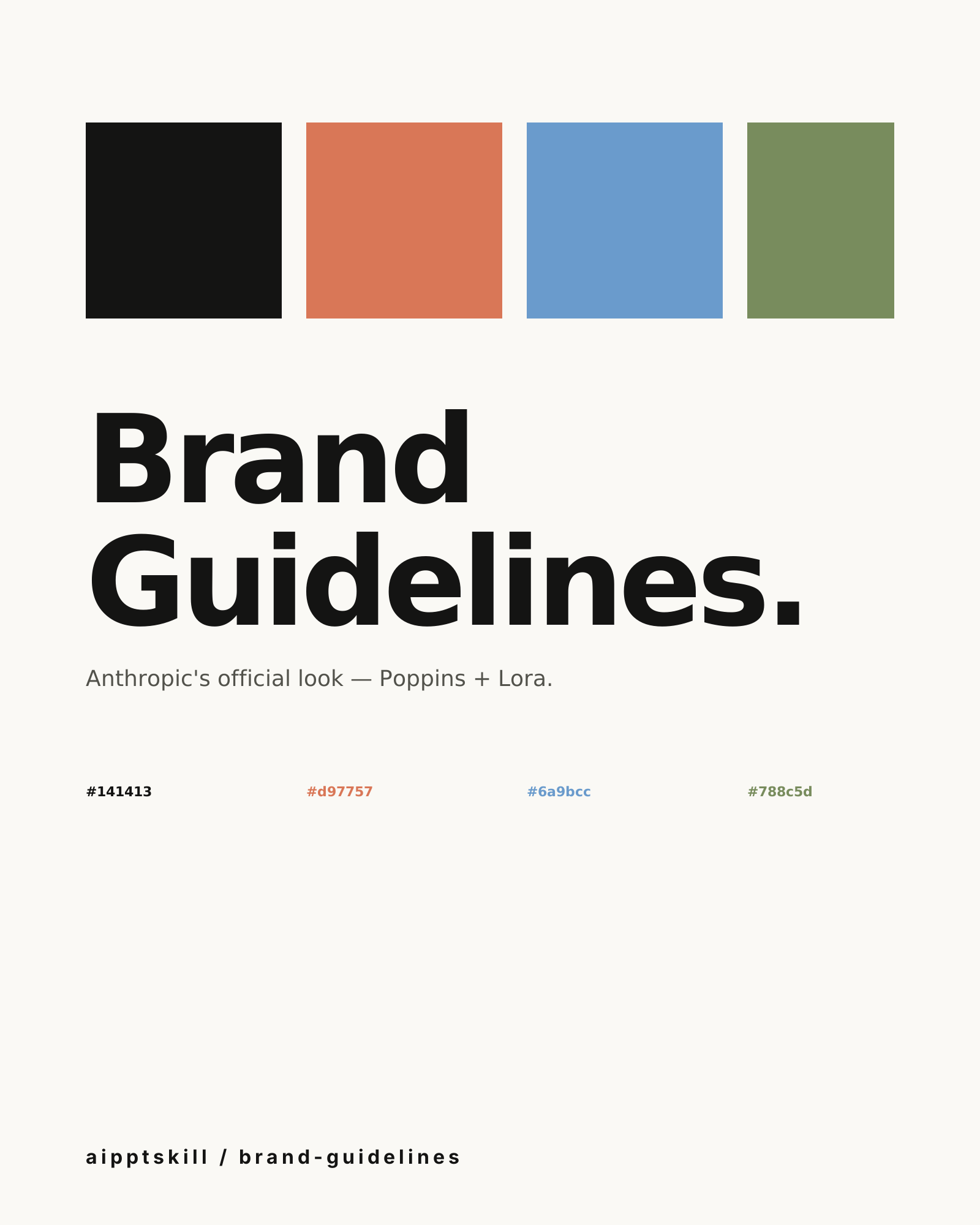
Anthropic Brand Guidelines Skill
Apply Anthropic's official colors and typography to any artifact. Poppins for headings, Lora for body, three accent colors that won't fight each other.
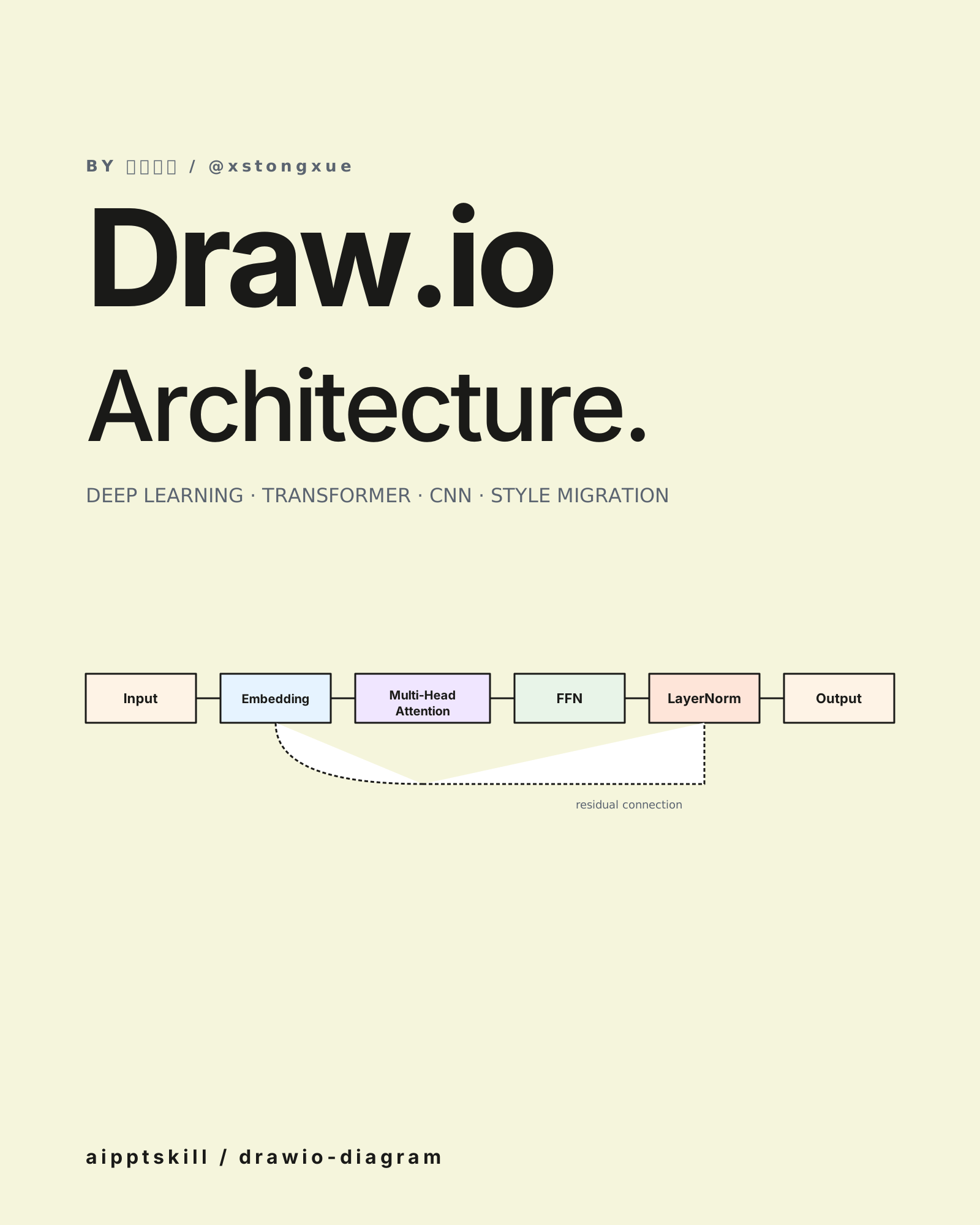
Draw.io Architecture Diagram Skill
Generate Draw.io diagrams for ML models, network architectures, and algorithm flows. Two modes — generate from scratch or transfer-style from a reference image. By 小帅同学 (@xstongxue).
More from 小帅同学 (@xstongxue)
Draw.io Architecture Diagram Skill
Generate Draw.io diagrams for ML models, network architectures, and algorithm flows. Two modes — generate from scratch or transfer-style from a reference image. By 小帅同学 (@xstongxue).
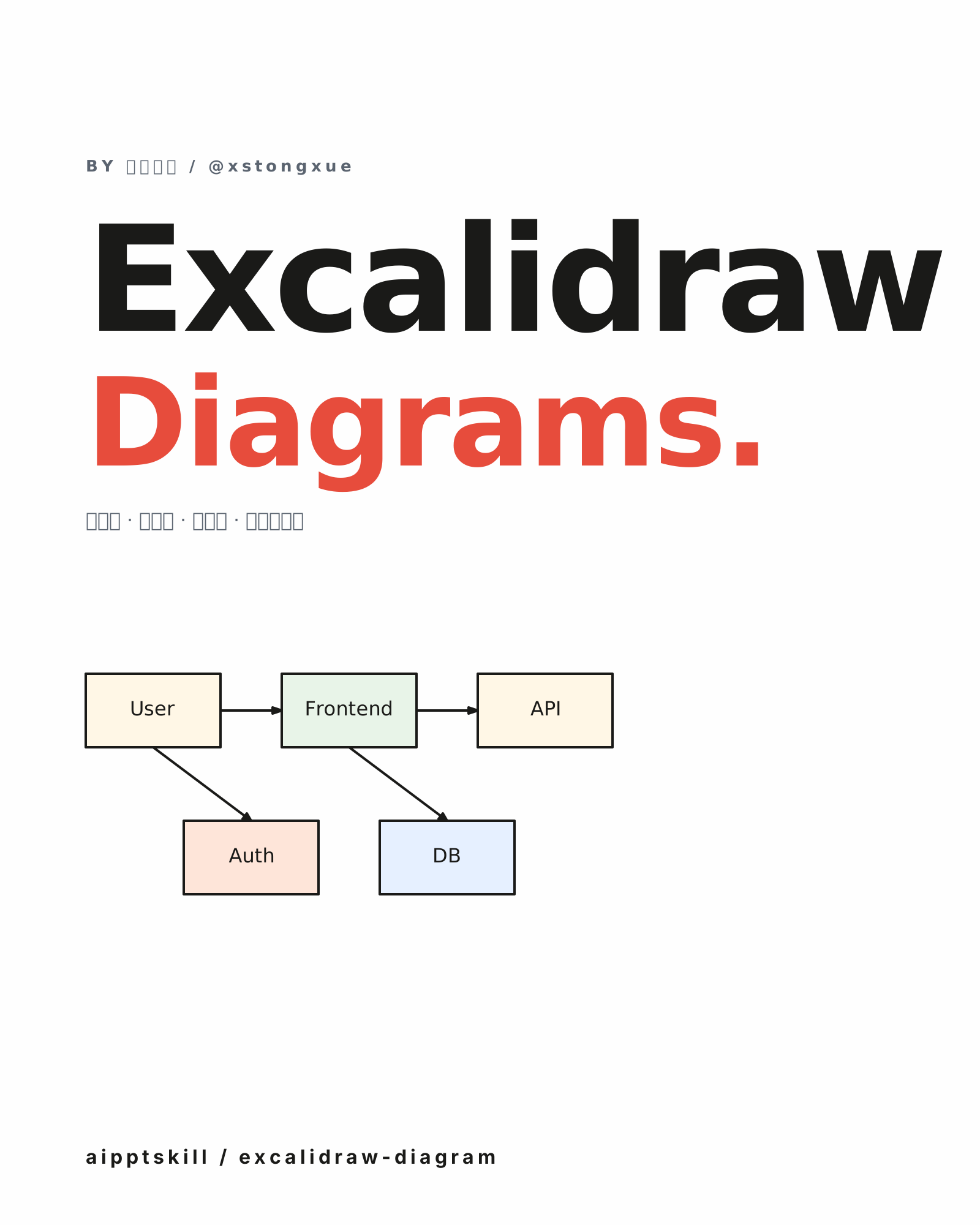
Excalidraw Diagram Skill
Generate hand-drawn-style architecture, flow, and data-structure diagrams as .excalidraw JSON. Open and continue editing in Excalidraw, Obsidian, or VS Code. By 小帅同学 (@xstongxue).
WeChat Article Writer Skill
Full-stack WeChat article workflow — write the post, generate cover art, body illustrations, and clone any author's style. Nine writing styles built in. By 小帅同学 (@xstongxue).